MARGINCANVAS
HomeTools → Contractor Markup and Margin Calculator

You added your usual markup, won the job, and still cannot say what margin it actually paid.

Your real cost per job, marked up to the margin you actually keep, not the markup that quietly leaves you short. One job at a time.

$5 USD · one-time
✓ 30-day money-back guarantee. Not right for you? Message me for a full refund.
An editable Excel & Google Sheets file, not a printable and not an app. No macros or add-ons to install. Instant download, works on Mac and Windows · on Etsy today, Gumroad soon.
Built by a commercial-finance professional. Every formula is tested against a separate model, so the number holds up.
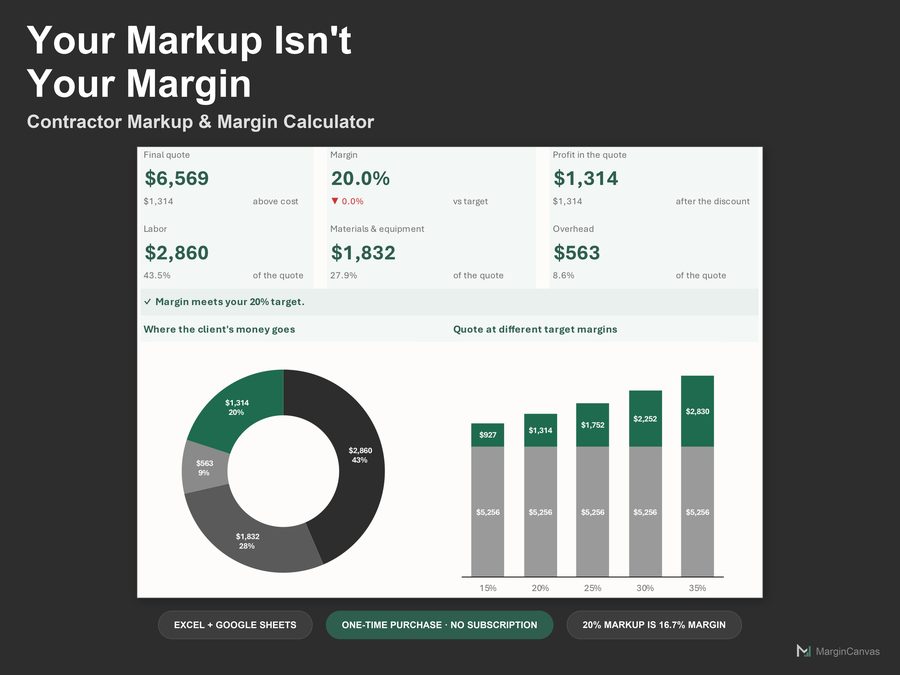
Job pricing dashboard showing the quote, effective margin and markup side by side
Who it's for

Made for the way you actually work.

  • Contractors who mark up cost and hope it holds
  • Trades pricing one job at a time without a whole system
  • Anyone who has confused markup with margin and lost the difference
  • Builders moving from gut-feel pricing to a costed price
What's included

Everything in one file.

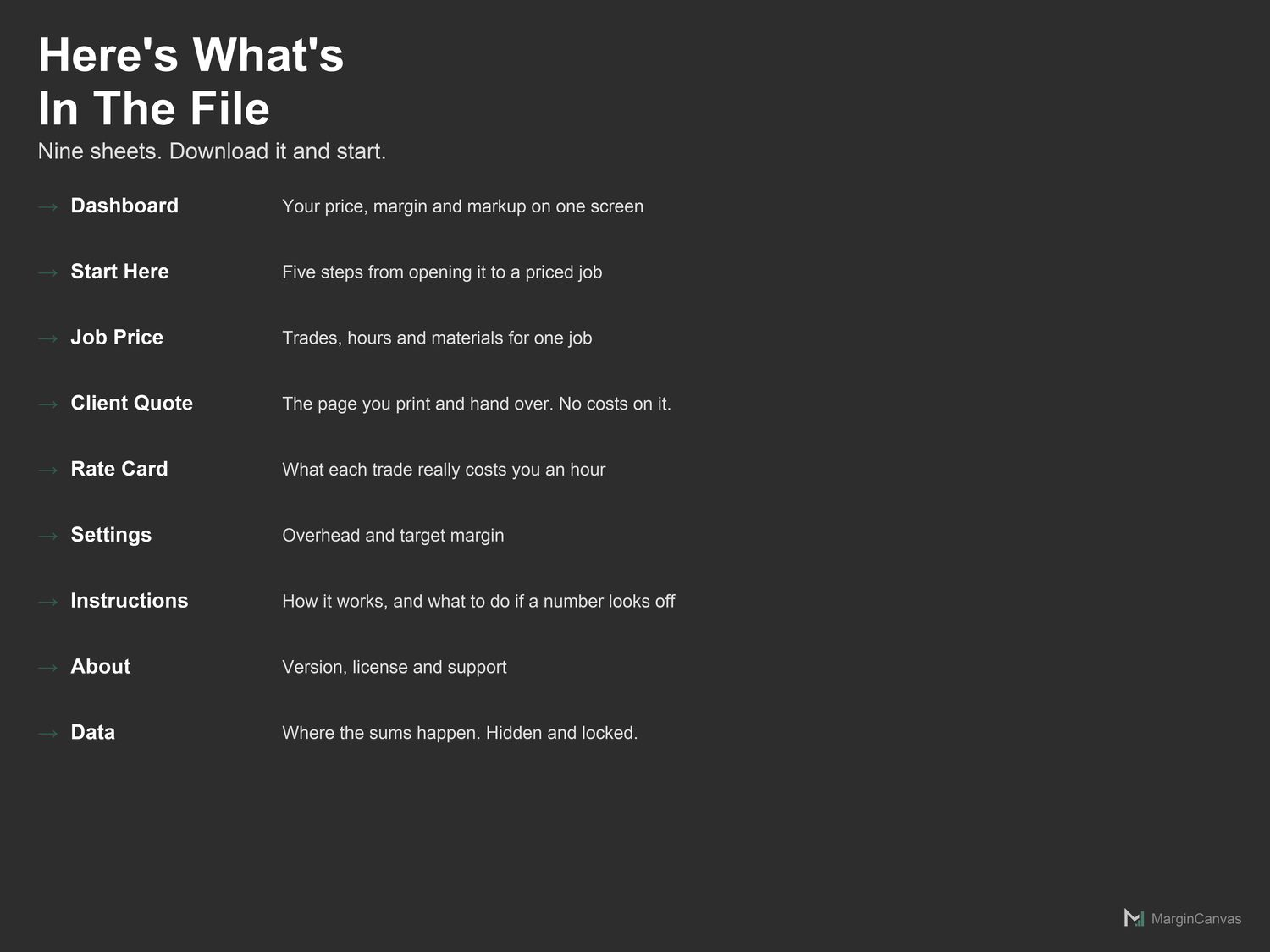
  • Dashboard: Quote, margin and cost per unit, with two charts. Read-only.
  • Start Here: Five steps from opening the file to a real number on screen.
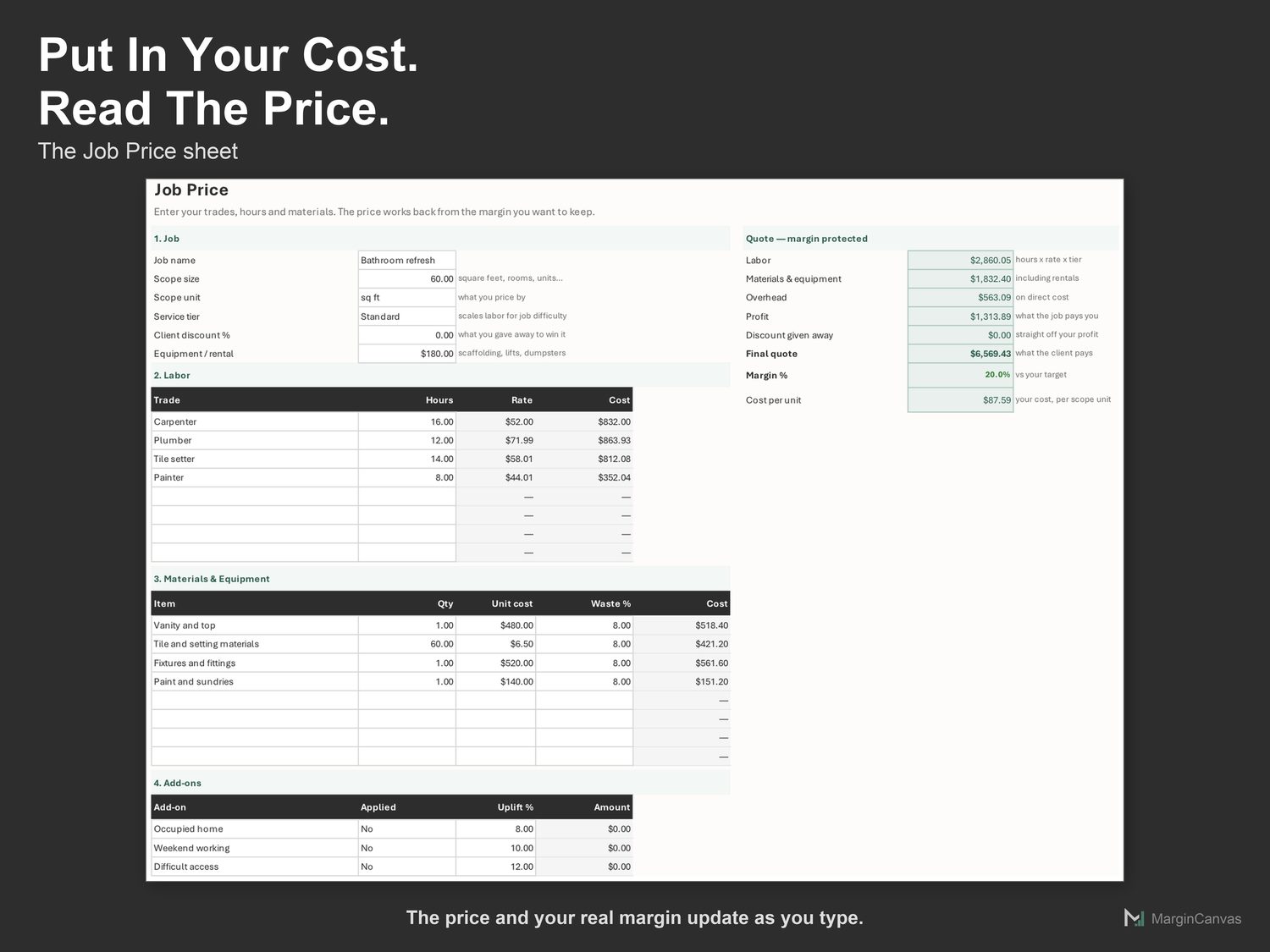
  • Job Price: Where you build one bid. The main working sheet.
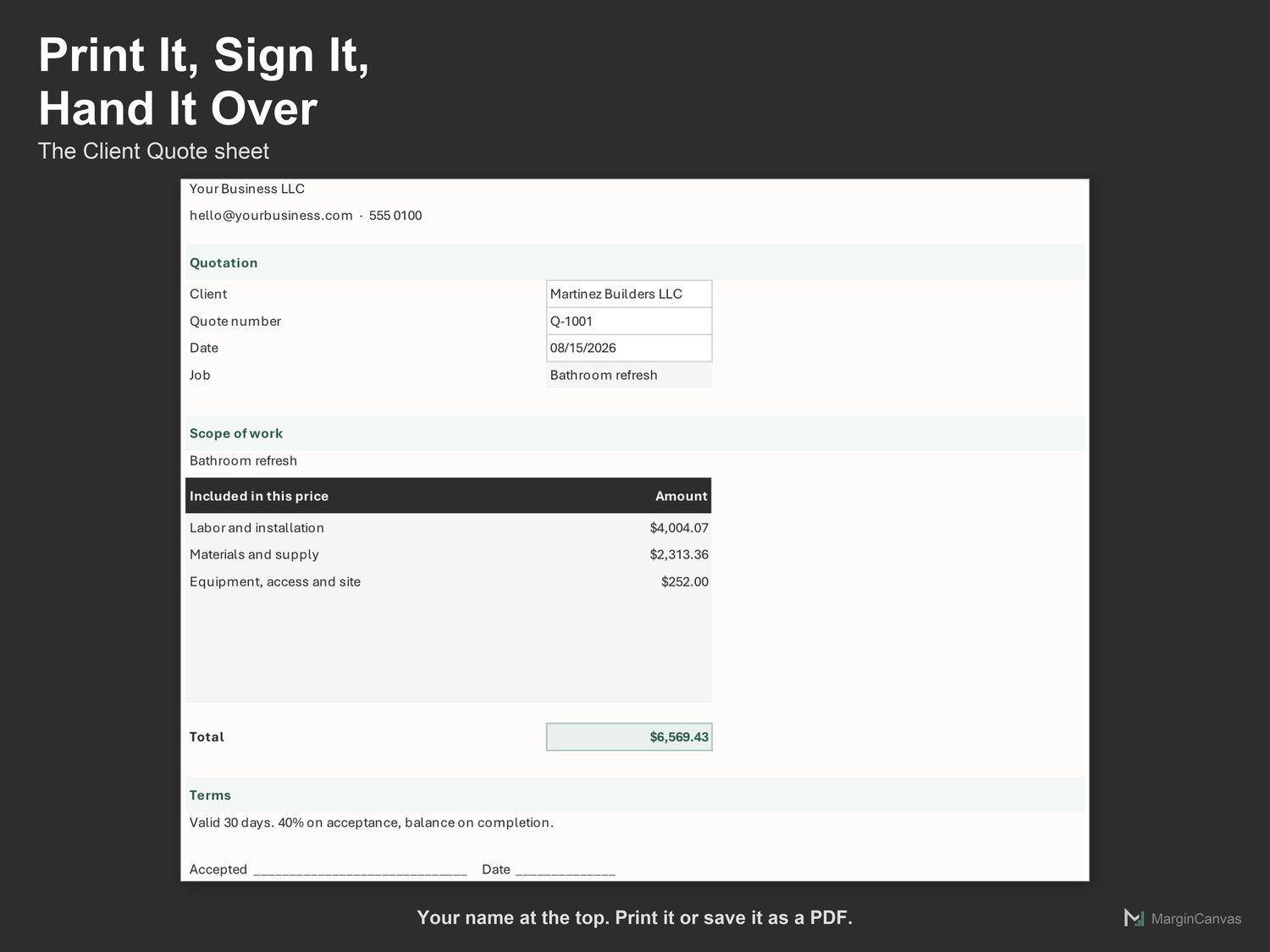
  • Client Quote: The printable quote you send the client. Prices only.
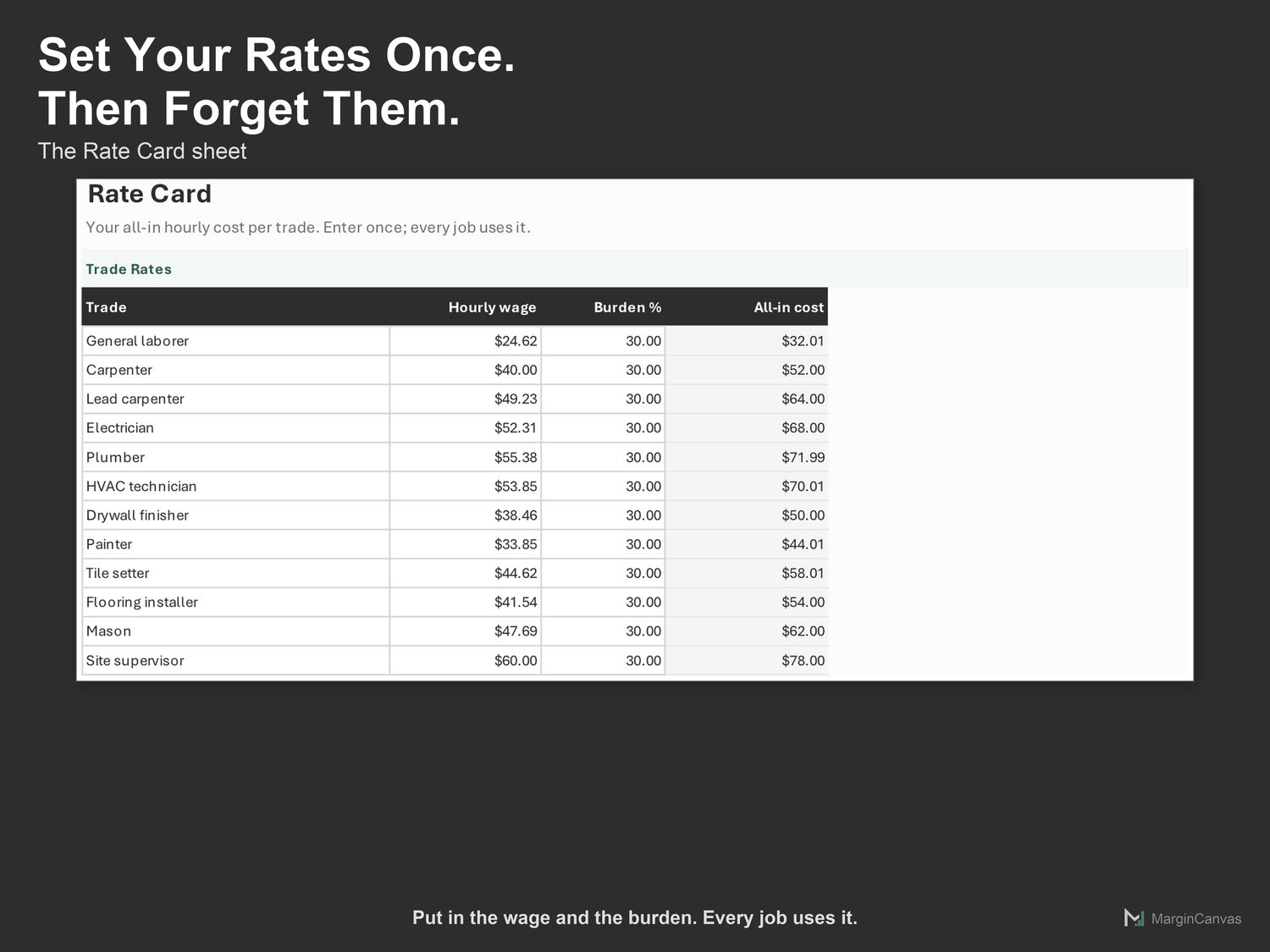
  • Rate Card: Your trades and their hourly cost. Enter once; used on every bid.
  • Settings: Overhead and target profit margin.
  • Instructions: What each sheet does, and what to do if a number looks off.
  • About: Version, license and support.
  • PDF Quick-Start Guide: two pages, first result in five minutes
How it works

Three steps to a number you trust.

  1. Open Rate Card. Enter your all-in hourly cost for each trade, wage plus burden, not the rate you bill.
  2. Open Settings. Set your overhead percentage and the profit margin you want every job to earn.
  3. Open Job Price. Name the job and enter the scope size.
A look inside

The screens you'll be working in.

List of the six sheets in the contractor markup and margin calculatorJob Price sheet with trades, hours and materials for one jobRate card listing trades with hourly wage and burdenSettings sheet with overhead and target marginThree steps to a price: set your rates, cost the job, read the priceCompatibility list showing Excel, Google Sheets, Mac and Windows support
Questions

Good to know.

Does this work in Excel and Google Sheets?
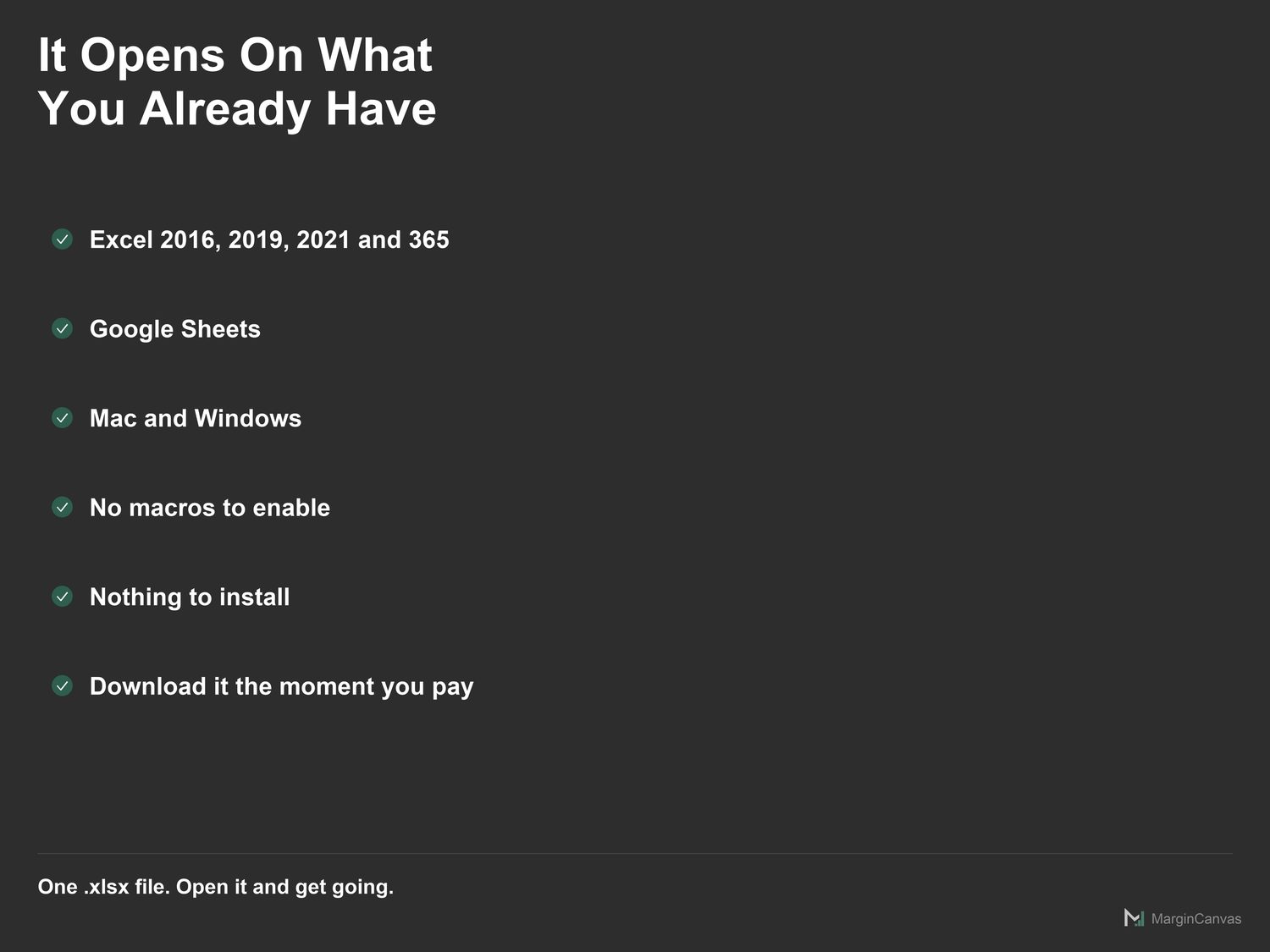
Both. Google Sheets: File > Import, or open and make a copy. Excel 365: open it directly. No macros, no add-ons, nothing to install.
What is the difference between margin and markup?
Markup is a percentage of cost; margin is a percentage of price. A 20% markup on $10,000 gives $12,000 and a 16.7% margin. This workbook solves for margin, so 20% means you keep 20%.
How is this different from the Multi-Trade Bid Estimator?
Same engine, smaller and cheaper. This one prices one job with a short rate card. The full Multi-Trade Bid Estimator adds a bigger card, service tiers and add-on uplifts for detailed estimating.
What should go in the rate card?
Your all-in hourly cost: wage plus payroll taxes, insurance, workers' compensation and any benefits. Not the rate you bill the client.
I'm not confident with spreadsheets. Will I manage?
Yes. The white cells are the only ones you touch. The Quick-Start Guide has your first real number on screen in about five minutes, and if you get stuck, message me.

One mispriced job costs more than this.

$5 once, and it's yours to keep. It pays for itself the first time it stops you underpricing a job or leaving margin on the table. No subscription, no login, just a file that does the maths.

✓ 30-day money-back guarantee. If it doesn't do what you need, message me for a full refund.
Related tools

Owners like you also use.