MARGINCANVAS
HomeTools → 13-Week Cash Flow Forecast
13-Week Cash Flow Forecast

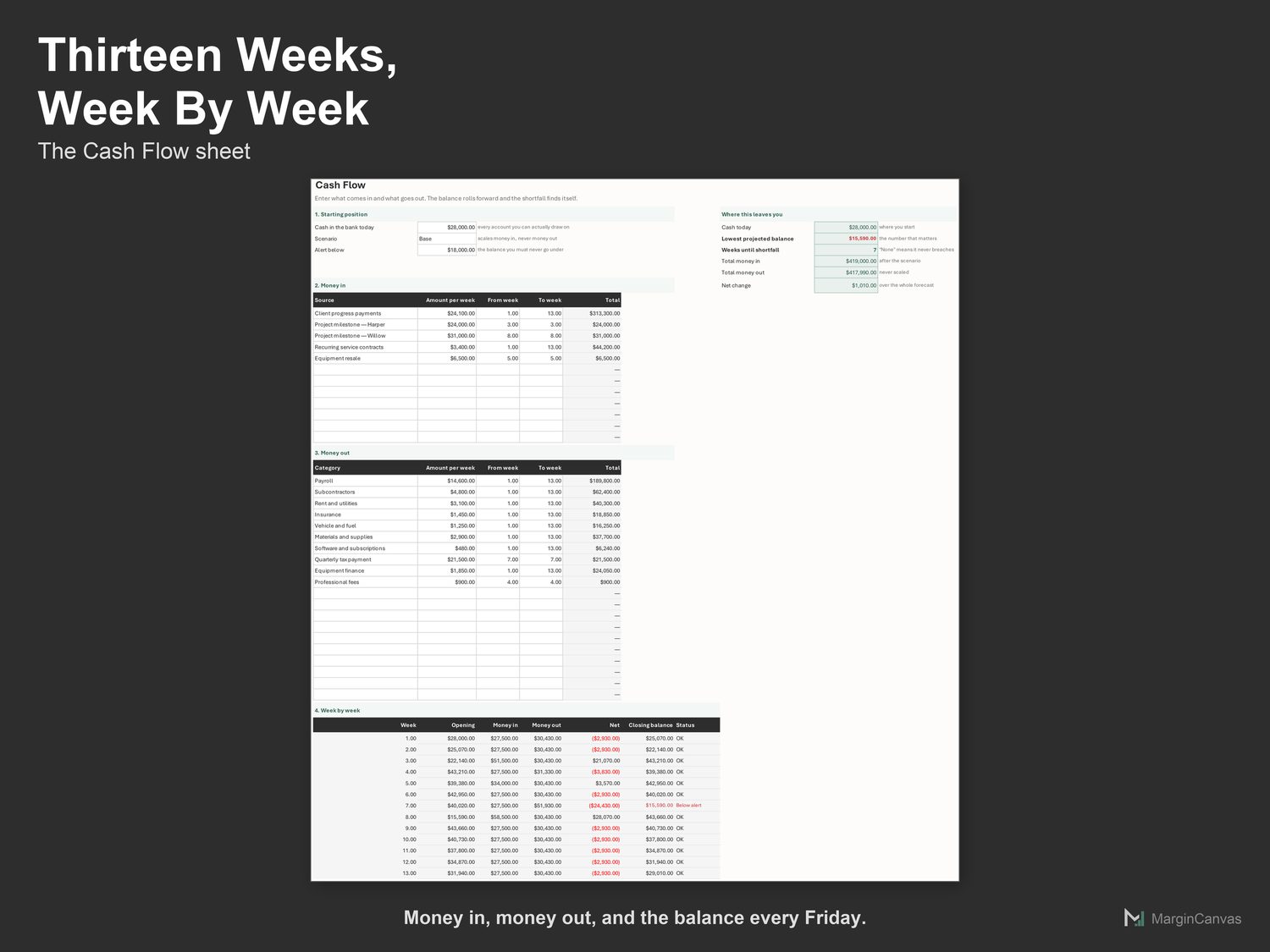
The quarter looks fine on paper. Week six is where the money runs out.

Thirteen weeks of cash in and cash out, with the week you run short identified before it happens.

$39 USD · one-time
Buy on Etsy · $39Gumroad coming soon
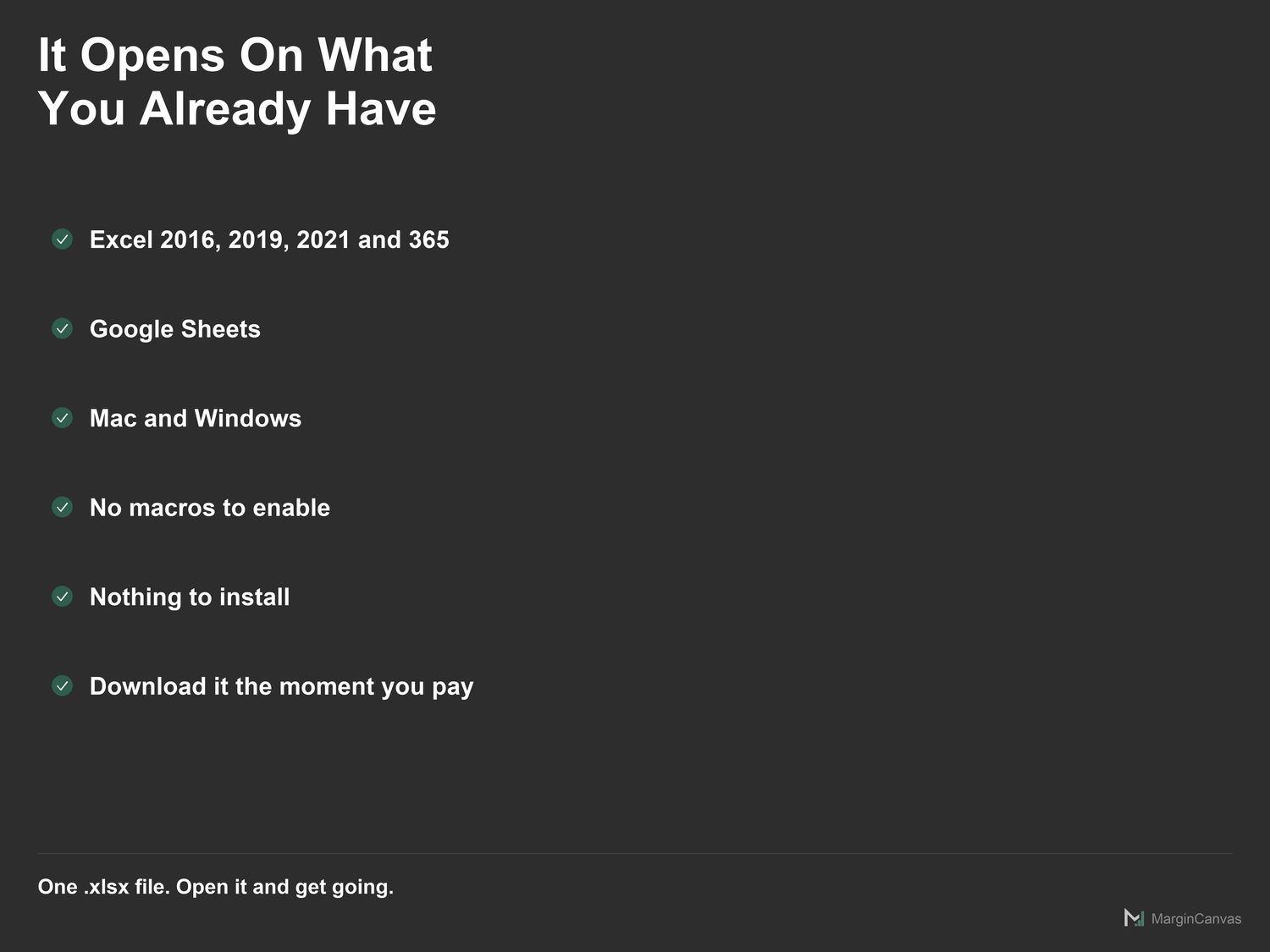
Instant download · Excel & Google Sheets · works on Mac and Windows · on Etsy today, Gumroad soon
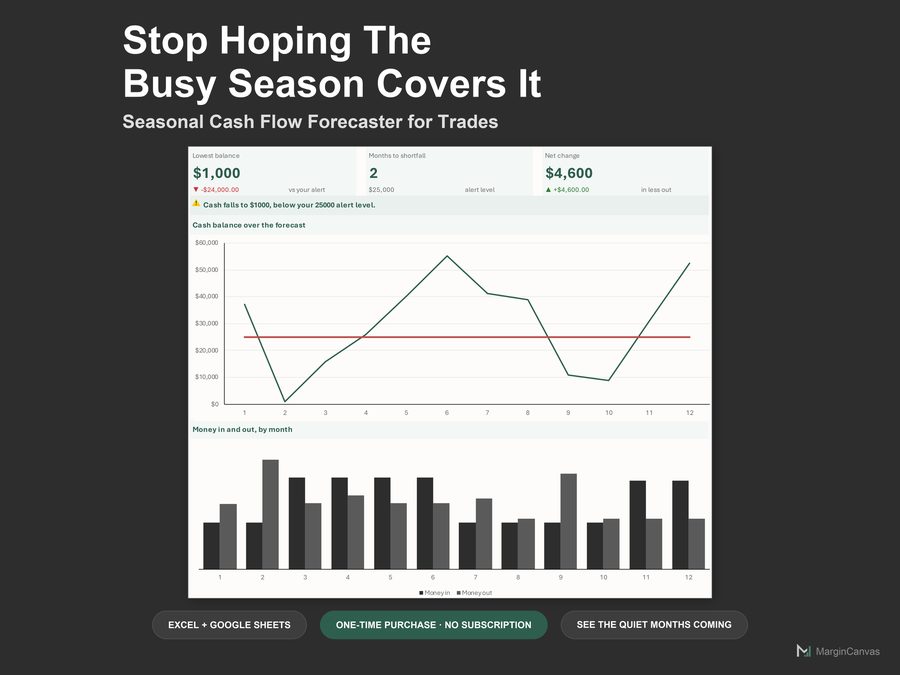
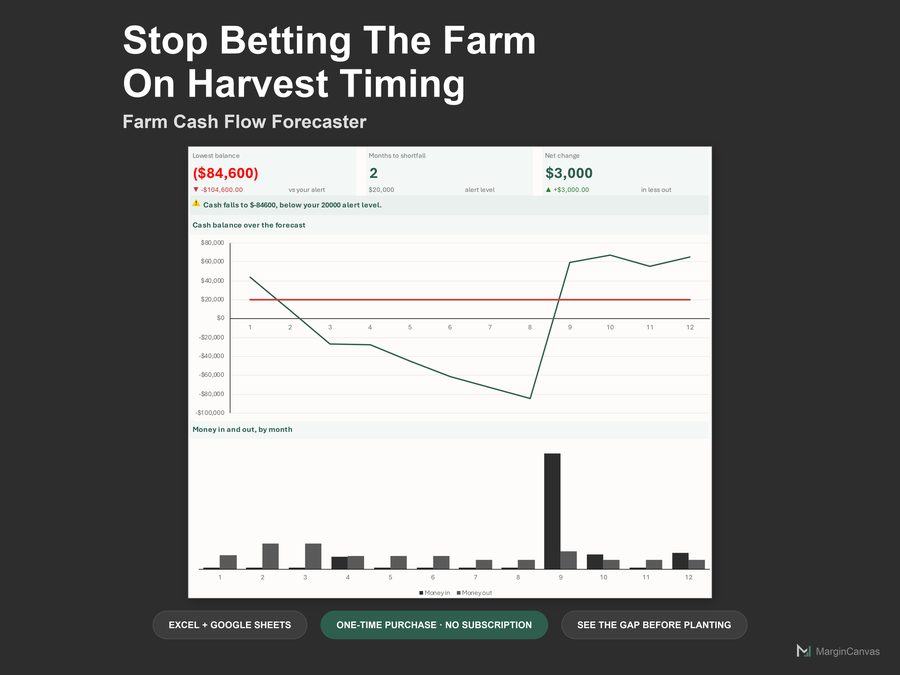
13-Week Cash Flow Forecast dashboard
Who it's for

Made for the way you actually work.

  • Owners steering through a tight quarter week by week
  • Businesses absorbing a lost client or a late invoice
  • Anyone the bank or an investor asked for a 13-week view
  • Bookkeepers building the Friday cash routine
What's included

Everything in one file.

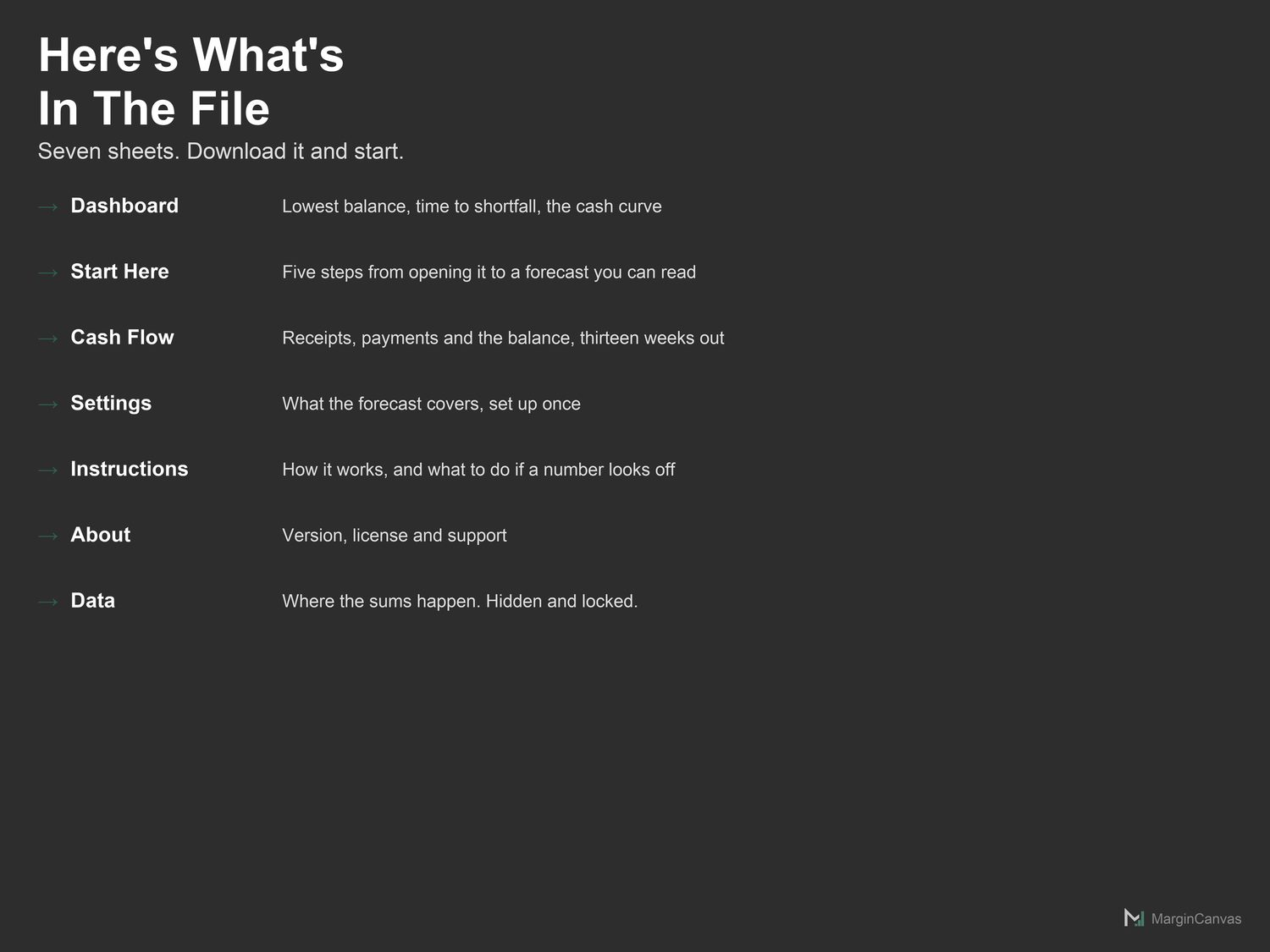
  • Dashboard: Lowest balance, runway and the cash curve. Read-only.
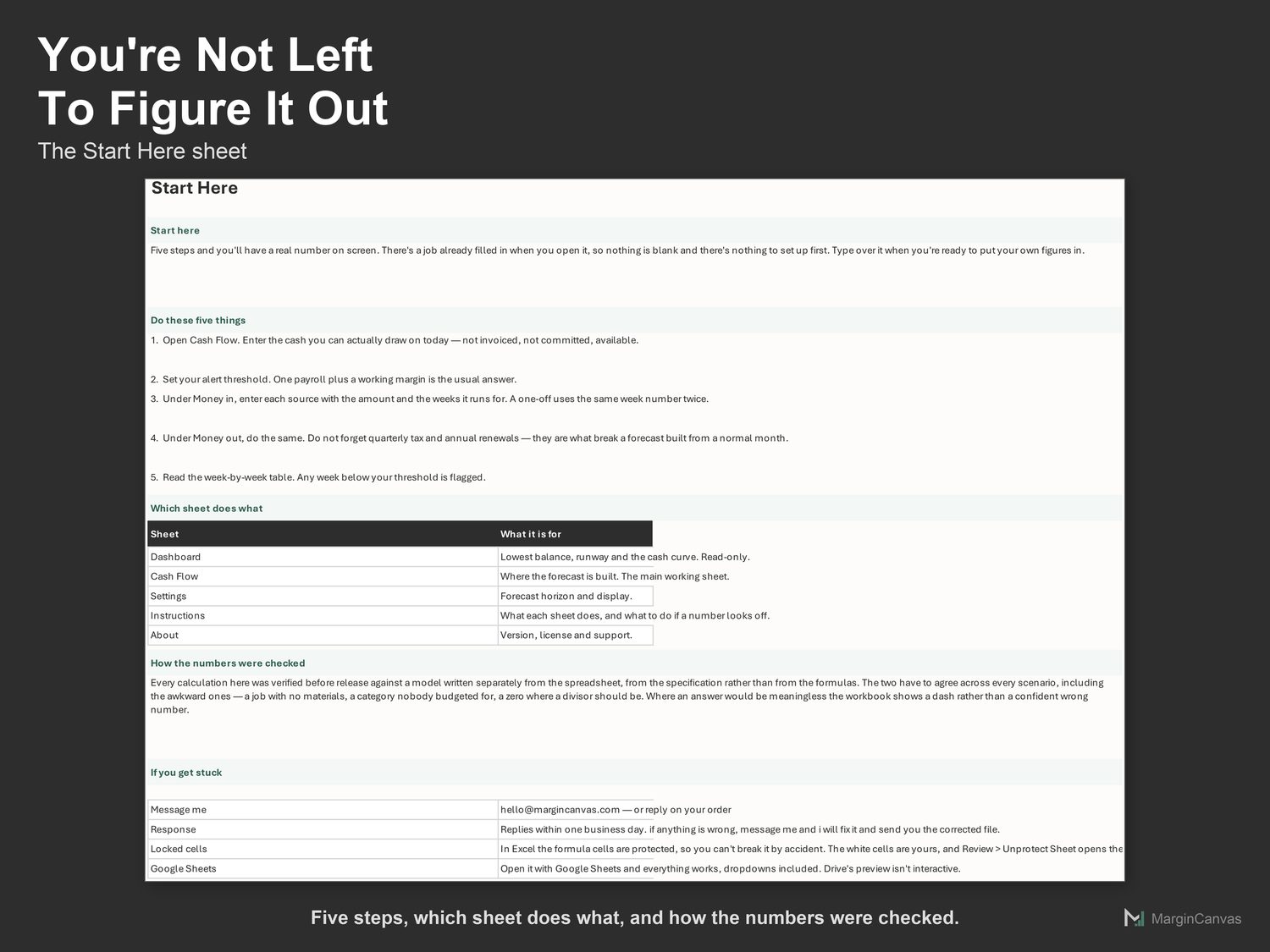
  • Start Here: Five steps from opening the file to a real number on screen.
  • Cash Flow: Where the forecast is built. The main working sheet.
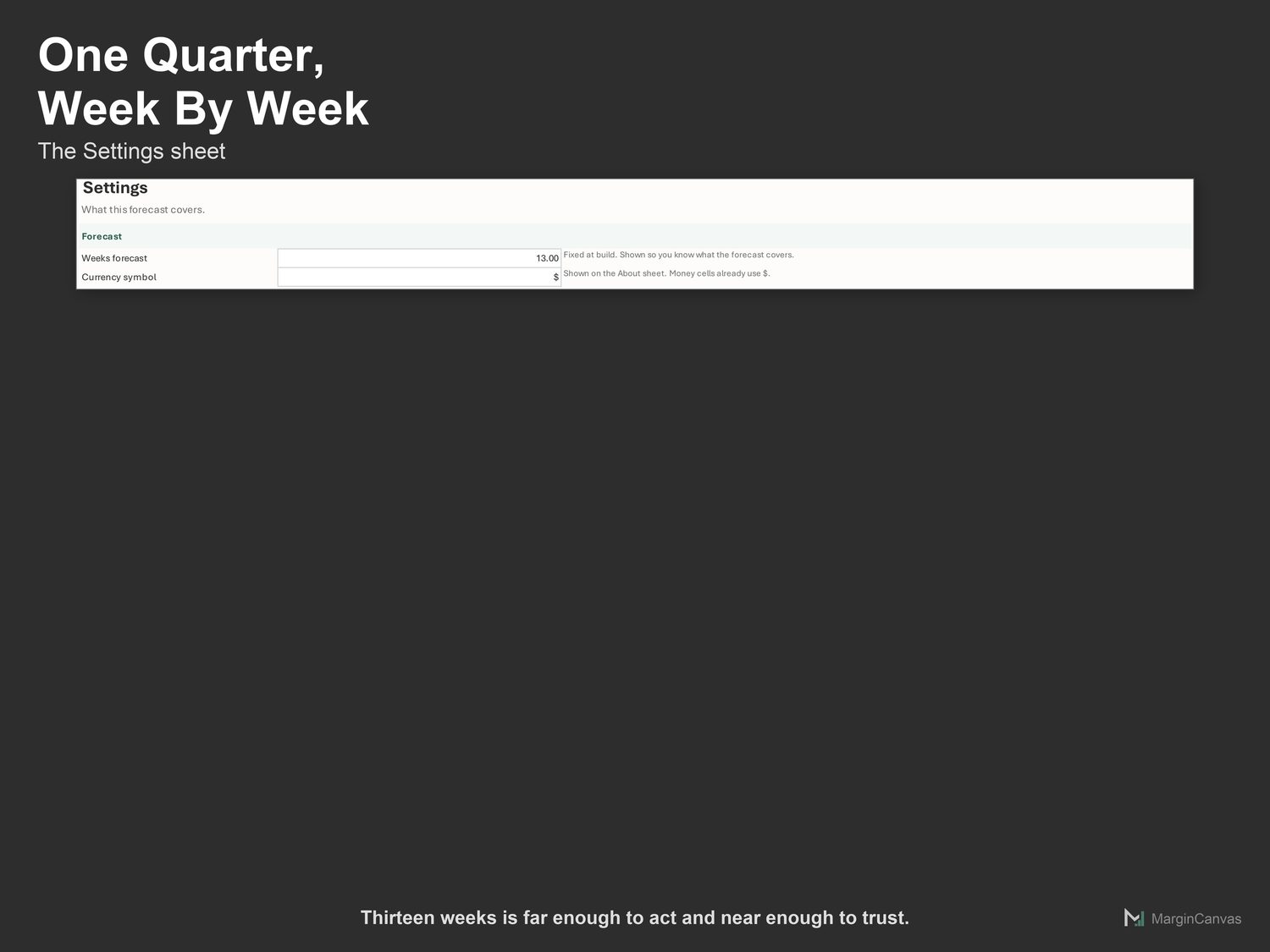
  • Settings: Forecast horizon and display.
  • Instructions: What each sheet does, and what to do if a number looks off.
  • About: Version, license and support.
  • PDF Quick-Start Guide: two pages, first result in five minutes
How it works

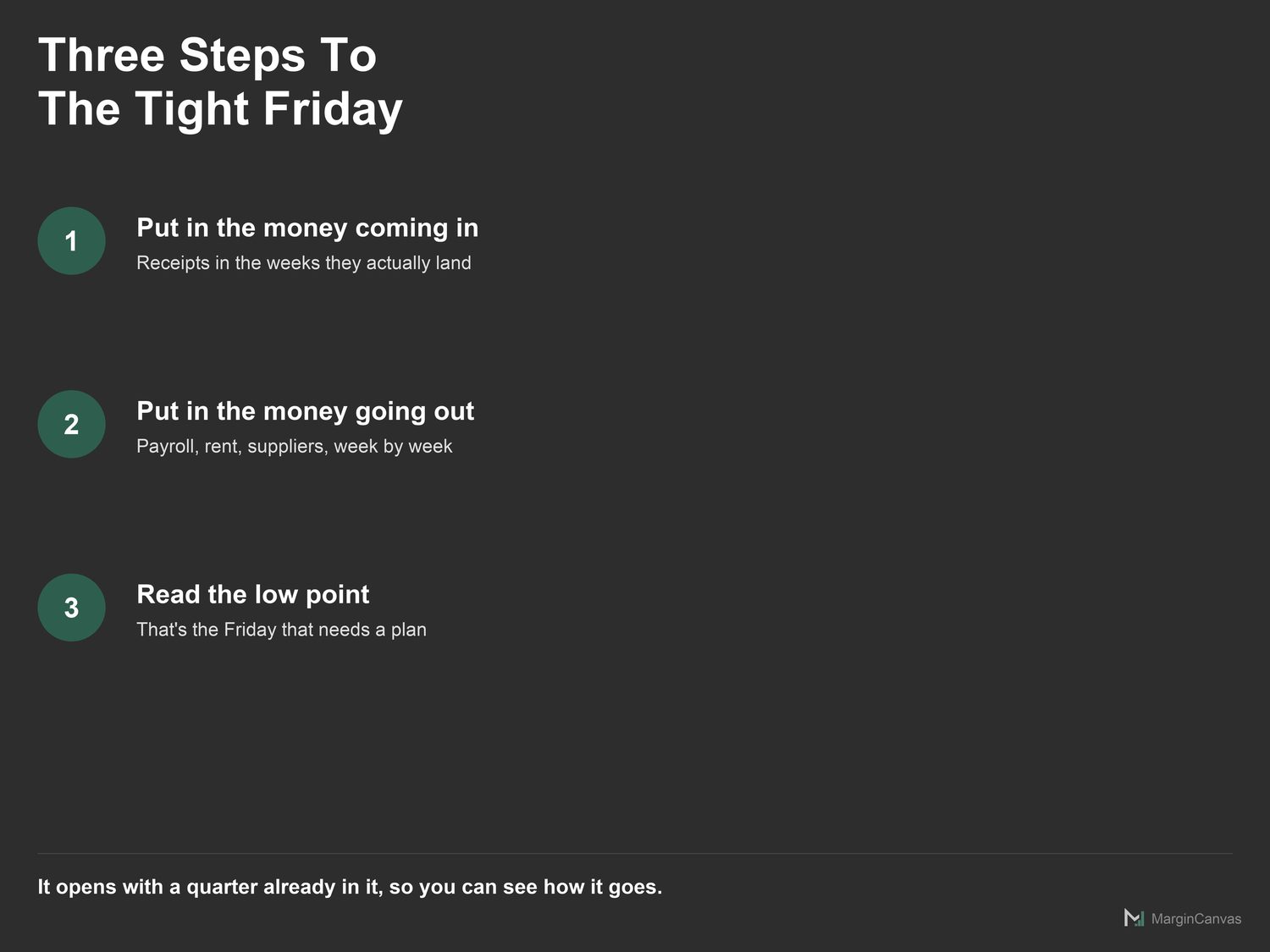
Three steps to a number you trust.

  1. Open Cash Flow. Enter the cash you can actually draw on today, not invoiced, not committed, available.
  2. Set your alert threshold. One payroll plus a working margin is the usual answer.
  3. Under Money in, enter each source with the amount and the weeks it runs for. A one-off uses the same week number twice.
A look inside

The screens you'll be working in.

List of the seven sheets in the 13 week cash flow forecastCash Flow sheet with receipts, payments and the balance by weekStart Here sheet with five steps to a readable forecastSettings sheet covering thirteen weeks of one businessThree steps: money in, money out, read the low weekCompatibility: works in Google Sheets and Microsoft Excel 365
Questions

Good to know.

Does this work in Excel and Google Sheets?
Both. Google Sheets: File > Import, or open and make a copy. Excel 365: open it directly. No macros, no add-ons, nothing to install.
Why thirteen weeks?
It is one quarter, and it is the horizon lenders and investors ask for. Long enough to see a tax payment coming; short enough that the numbers are still guesses you can defend.
How do I enter something that happens once?
Put the same week number in the From and To columns. A payment in week seven is 7 and 7.
Why doesn't the Downside scenario reduce my costs?
Because they do not fall. Payroll, rent and insurance are the same in a bad quarter, which is what makes a bad quarter dangerous. Scaling both sides would hide the risk you built this to see.
I'm not confident with spreadsheets. Will I manage?
Yes. The white cells are the only ones you touch. The Quick-Start Guide has your first real number on screen in about five minutes, and if you get stuck, message me.

One mispriced job costs more than this.

$39 once, and it's yours to keep. It pays for itself the first time it stops you underpricing a job or leaving margin on the table. No subscription, no login, just a file that does the maths.

Buy on Etsy · $39Gumroad coming soon
Related tools

Owners like you also use.